
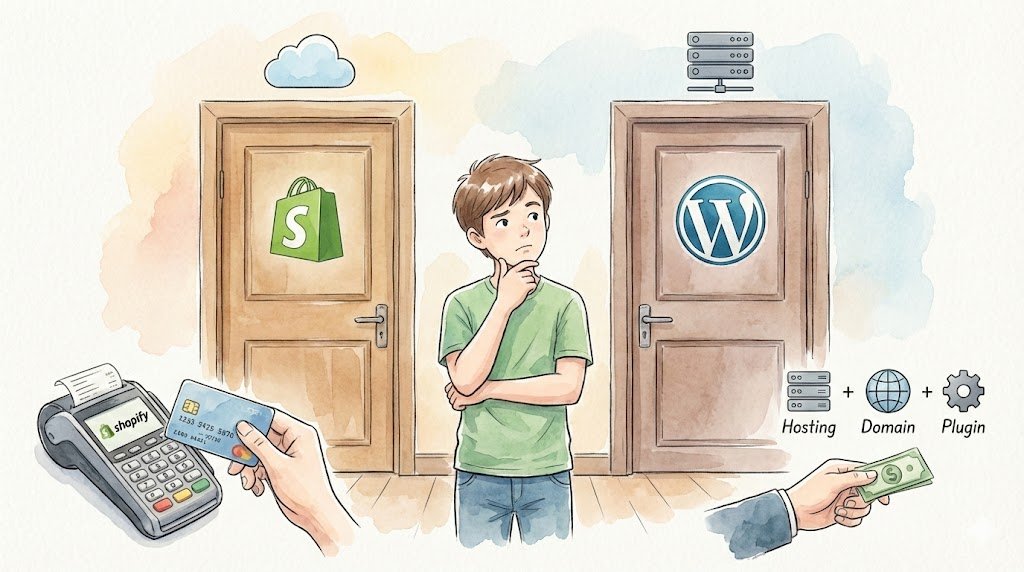
Choosing an e-commerce platform is one of the most consequential decisions for online retailers. The platform you select determines your technical capabilities, operational costs, and scalability potential for years to come. Shopify vs WooCommerce dominate the e-commerce landscape, collectively powering over 50% of online stores globally, but they represent fundamentally different approaches to e-commerce.
This technical comparison examines both platforms across critical business and technical dimensions to help you make an informed decision.
Platform Architecture and Hosting Model
Shopify: Fully Hosted SaaS
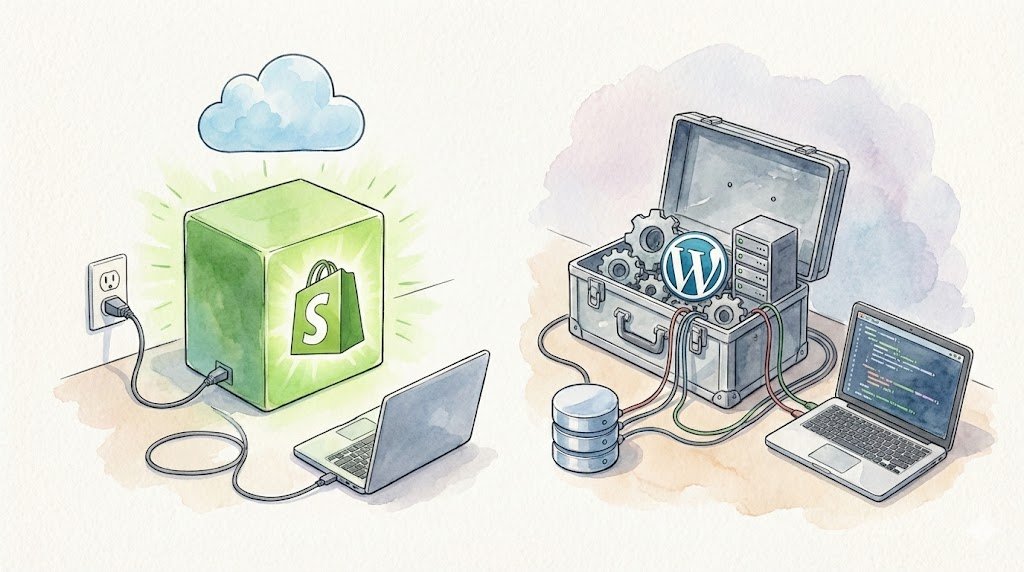
Shopify operates as a Software-as-a-Service (SaaS) platform where Shopify manages all infrastructure, security, and maintenance. You access your store through Shopify’s interface and are constrained by their ecosystem.
Advantages:
- Zero server management or technical maintenance required
- Guaranteed uptime with 99.98% SLA
- Automatic security updates and PCI compliance
- CDN and infrastructure optimization handled by Shopify
- Predictable monthly costs
Limitations:
- Limited server-level control and customization
- Cannot modify core platform code
- Dependent on Shopify’s infrastructure and policies
- Must work within Shopify’s technical constraints
WooCommerce: Self-Hosted WordPress Plugin
WooCommerce is an open-source plugin that extends WordPress into an e-commerce platform. You maintain full control over hosting, configuration, and customization.
Advantages:
- Complete ownership and control of your store
- Unlimited customization potential through code access
- Choice of hosting provider and infrastructure
- No platform lock-in—can migrate anywhere
- Extensive plugin ecosystem (58,000+ WordPress plugins)
Limitations:
- Requires technical knowledge or developer resources
- Hosting, security, and maintenance are your responsibility
- Performance depends on your hosting quality
- Must manage updates, backups, and security independently
Cost Structure Analysis
Shopify Pricing
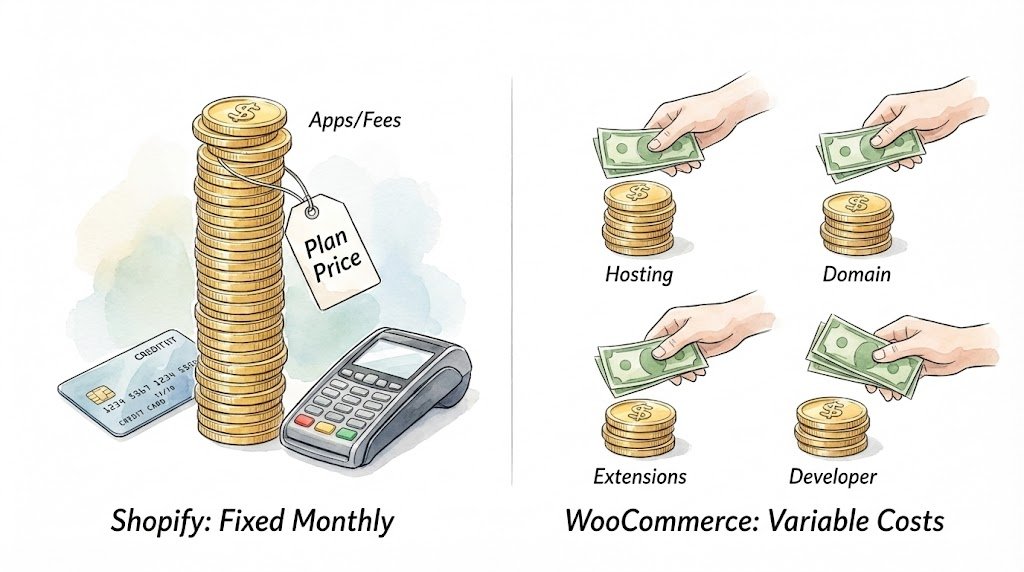
Shopify’s pricing appears straightforward but includes multiple cost layers:
Monthly Plans:
- Basic: $39/month (2.9% + 30¢ per transaction)
- Shopify: $105/month (2.7% + 30¢ per transaction)
- Advanced: $399/month (2.5% + 30¢ per transaction)
Additional Costs:
- Third-party payment gateways: Additional 0.5-2% transaction fee
- Apps: $10-300/month for common functionality
- Themes: $180-350 for premium themes
- Custom development: $5,000-50,000+ for significant customization
Real Monthly Cost: For a store processing $50,000/month in revenue using third-party payment processing, expect actual costs of:
- Basic plan: $39 + app costs ($50-200) + transaction fees ($1,450-2,000) = $1,539-2,239/month
- Total annual cost: $18,468-26,868
WooCommerce Pricing
WooCommerce is free, but requires paid services to operate:
Essential Costs:
- Hosting: $10-500/month (shared to dedicated servers)
- Domain: $10-15/year
- SSL Certificate: $0-200/year (free with most hosts)
- Theme: $0-200 (one-time)
- Extensions: $0-500/year for essential functionality
- Payment processing: 2.9% + 30¢ (Stripe/PayPal standard rates)
Real Monthly Cost: For the same $50,000/month store:
- Quality managed hosting: $50-200/month
- Essential plugins/extensions: $30-100/month
- Payment processing: $1,480/month
- Total monthly cost: $1,560-1,780/month
- Total annual cost: $18,720-21,360
Cost Comparison: WooCommerce typically costs 15-25% less than Shopify at similar revenue levels, with the gap widening as revenue increases due to Shopify’s transaction fees.
Customization and Flexibility
Shopify Customization
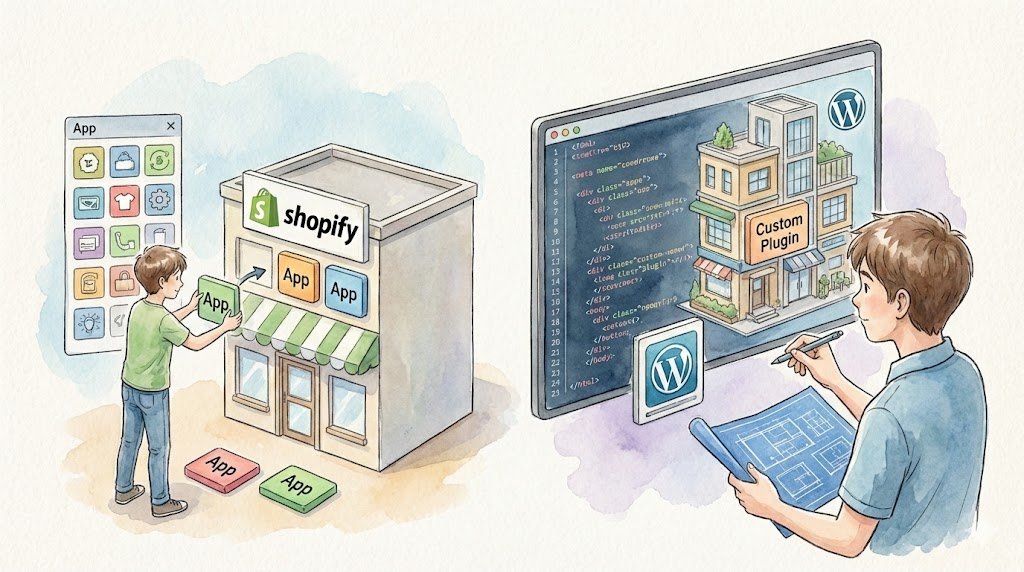
Shopify provides customization through:
- Liquid templating language: Proprietary template system for theme modifications
- Shopify API: REST and GraphQL APIs for integrations
- Apps: Extensive app marketplace for additional functionality
- Theme customizer: Visual interface for basic customization
Customization Constraints:
- Cannot modify checkout page on standard plans (Shopify Plus only)
- Limited control over URL structures and site architecture
- Restricted access to server configuration
- Must work within Shopify’s data model
Best For: Businesses needing standard e-commerce functionality with limited customization requirements.
WooCommerce Customization
WooCommerce offers unlimited customization through:
- Full PHP/WordPress codebase access: Modify any functionality
- Hook system: 1,000+ action and filter hooks for extending functionality
- Complete theme control: Full HTML/CSS/JavaScript access
- Plugin ecosystem: 58,000+ WordPress plugins
- Custom post types: Extend beyond standard product types
Customization Examples:
- Custom checkout flows and fields
- Unique product types and pricing models
- Complex subscription and membership systems
- Custom integrations with any third-party system
- Advanced inventory management workflows
Best For: Businesses requiring specific functionality, unique user experiences, or complex business logic.
Performance and Scalability

Shopify Performance
Shopify’s infrastructure handles performance optimization automatically:
- Global CDN included on all plans
- Automatic image optimization
- Server-side rendering and caching
- Load balancing across multiple servers
Performance Metrics:
- Average page load time: 2.5-3.5 seconds
- Handles traffic spikes automatically
- 99.98% uptime guarantee
- No performance optimization required from merchant
Scalability: Shopify scales automatically to handle millions of products and high traffic volumes. Shopify Plus (enterprise tier) supports stores processing $100M+ annually.
WooCommerce Performance
WooCommerce performance varies dramatically based on hosting and optimization:
Factors Affecting Performance:
- Hosting quality (shared vs VPS vs dedicated vs cloud)
- Caching implementation (page, object, opcode)
- CDN usage
- Database optimization
- Image optimization
- Plugin efficiency
Performance Potential:
- Properly optimized: 1.5-2.5 seconds page load time
- Poor optimization: 4-8+ seconds page load time
- Scalability depends on hosting infrastructure investment
Optimization Requirements:
- Implement caching layers (Redis, Memcached)
- Configure CDN (Cloudflare, BunnyCDN)
- Optimize database queries and indexes
- Image compression and lazy loading
- Server configuration tuning
Best For: Businesses willing to invest in proper hosting and optimization for superior performance, or those with technical resources to manage optimization.
Payment Processing and Transaction Fees
Shopify Payments
Shopify strongly incentivizes using Shopify Payments through transaction fee penalties for third-party gateways.
Shopify Payments Rates:
- Basic: 2.9% + 30¢ online, 2.7% + 0¢ in-person
- Shopify: 2.7% + 30¢ online, 2.5% + 0¢ in-person
- Advanced: 2.5% + 30¢ online, 2.4% + 0¢ in-person
Third-Party Gateway Penalties:
- Additional 0.5-2% fee on top of gateway’s processing fees
- Example: Using PayPal (2.9% + 30¢) on Basic plan = 2.9% + 30¢ (PayPal) + 2% (Shopify) = 4.9% + 30¢ total
WooCommerce Payments
WooCommerce allows any payment gateway without platform penalties:
- Stripe: 2.9% + 30¢
- PayPal: 2.9% + 30¢
- Square: 2.6% + 10¢
- Authorize.net: 2.9% + 30¢
- Custom payment gateways: Build your own integration
No Platform Transaction Fees: WooCommerce never charges additional transaction fees regardless of which payment processor you use.
Cost Impact: For a store processing $100,000/month using third-party payments:
- Shopify: $2,000-2,900 in additional platform fees annually
- WooCommerce: $0 in platform fees
SEO Capabilities
Shopify SEO
Shopify provides adequate SEO functionality:
- Customizable title tags and meta descriptions
- Auto-generated XML sitemaps
- Canonical URLs
- 301 redirects
- Mobile-responsive themes
- SSL included
SEO Limitations:
- URL structure constraints (e.g.,
/products/prefix required) - Limited control over site architecture
- Blog functionality is basic
- Cannot modify robots.txt completely
- Limited schema markup options
WooCommerce SEO
WooCommerce with WordPress offers superior SEO capabilities:
- Complete URL structure control
- Unlimited content creation and blog functionality
- Full schema markup customization
- Advanced plugin options (Yoast, Rank Math, All in One SEO)
- Complete robots.txt and .htaccess control
- Breadcrumb customization
- Advanced internal linking capabilities
SEO Advantages:
- Better content marketing integration
- More granular optimization control
- Superior technical SEO capabilities
- WordPress’s proven search engine performance
Security and Compliance
Shopify Security
Shopify handles all security requirements:
- PCI DSS Level 1 compliant (certified)
- Automatic security patches
- SSL certificates included
- DDoS protection
- Fraud analysis tools
- Regular security audits
Responsibility: Shopify manages security; merchants are not responsible for platform vulnerabilities.
WooCommerce Security
WooCommerce requires merchant responsibility for security:
- Must maintain PCI compliance independently
- Responsible for security updates
- Must configure SSL certificates
- Must implement security plugins and measures
- Responsible for backup and disaster recovery
Security Requirements:
- Install security plugins (Wordfence, Sucuri)
- Regular updates (core, plugins, themes)
- Proper file permissions
- Firewall configuration
- Regular security audits
Advantage: Complete control over security measures and compliance approach.
Support and Documentation
Shopify Support
Shopify provides:
- 24/7 support via phone, email, and chat
- Extensive documentation
- Shopify Community forums
- Shopify Academy (free courses)
- Guaranteed response times on all plans
Support Quality: Generally high-quality, consistent support from Shopify employees.
WooCommerce Support
WooCommerce support is decentralized:
- WooCommerce.com documentation (free)
- WordPress.org forums (community support)
- WooCommerce.com paid support (for specific extensions)
- Hosting provider support (varies by provider)
- Extensive third-party resources and developers
Support Challenge: Quality varies significantly; requires ability to find solutions across multiple sources.
Decision Framework
Choose Shopify If:
- Limited Technical Resources: No in-house developers or technical staff
- Rapid Launch Priority: Need to launch quickly without technical complexity
- Standard E-commerce Needs: Products fit standard e-commerce models
- Predictable Budgeting: Prefer predictable monthly costs over variable optimization investments
- Focus on Marketing: Want to spend time on marketing rather than technical management
- Multi-Channel Selling: Heavy use of POS, social media, and marketplace integrations
Choose WooCommerce If:
- Custom Requirements: Need specific functionality or unique business logic
- Cost Optimization: Processing high transaction volumes where Shopify’s fees become significant
- Technical Resources: Have developers or technical staff available
- Content Marketing Focus: Blog and content are central to your marketing strategy
- Platform Independence: Want to avoid vendor lock-in and maintain full control
- Complex Integrations: Need to integrate with proprietary systems or workflows
- SEO Priority: Search engine optimization is critical to your acquisition strategy
Migration Considerations
Both platforms support migration, but complexity differs:
Migrating to Shopify: Generally straightforward with migration apps or services handling product imports, though customizations may not transfer.
Migrating from Shopify: More complex due to Shopify’s proprietary data structures. Product data exports easily, but custom functionality may require rebuilding.
Migration Costs: Budget $2,000-15,000 for professional migration services depending on store complexity.
Quick Comparison Table
| Feature | Shopify | WooCommerce |
|---|---|---|
| Hosting | Fully hosted (managed by Shopify) | Self-hosted (you manage) |
| Setup Difficulty | Easy – beginner friendly | Moderate – requires technical knowledge |
| Monthly Cost | $39-399+ | $10-200 (hosting + plugins) |
| Transaction Fees | 0.5-2% extra for third-party gateways | None (0%) |
| Customization | Limited (template-based) | Unlimited (full code access) |
| SEO Control | Basic | Advanced |
| Scalability | Automatic | Depends on hosting investment |
| Support | 24/7 official support | Community + hosting provider |
| Data Ownership | Limited (hosted on Shopify) | Full control |
| Best For | Quick launch, simplicity | Customization, cost control at scale |
Conclusion
Neither platform is objectively superior—the correct choice depends on your specific business requirements, technical capabilities, and strategic priorities.
Shopify excels for businesses prioritizing simplicity, rapid deployment, and minimizing technical overhead. It’s the better choice when technical resources are limited and standard e-commerce functionality meets your needs.
WooCommerce excels for businesses requiring customization, cost optimization at scale, or integration with complex business processes. It’s the better choice when you have technical resources and need flexibility beyond what SaaS platforms provide.
The decision fundamentally comes down to this tradeoff: Shopify offers convenience and simplicity at the cost of flexibility and higher long-term fees. WooCommerce offers unlimited flexibility and lower long-term costs at the cost of technical complexity and responsibility.
Most businesses growing beyond $500,000 annual revenue should carefully evaluate WooCommerce’s cost advantages, while businesses under $200,000 annual revenue often benefit from Shopify’s simplicity. The $200,000-500,000 range is where either platform can be optimal depending on technical resources and customization requirements.
Need help deciding which platform is right for your business? I provide platform consultations and can build high-performance stores on either Shopify or WooCommerce based on your specific requirements.
